Put your fleet to work
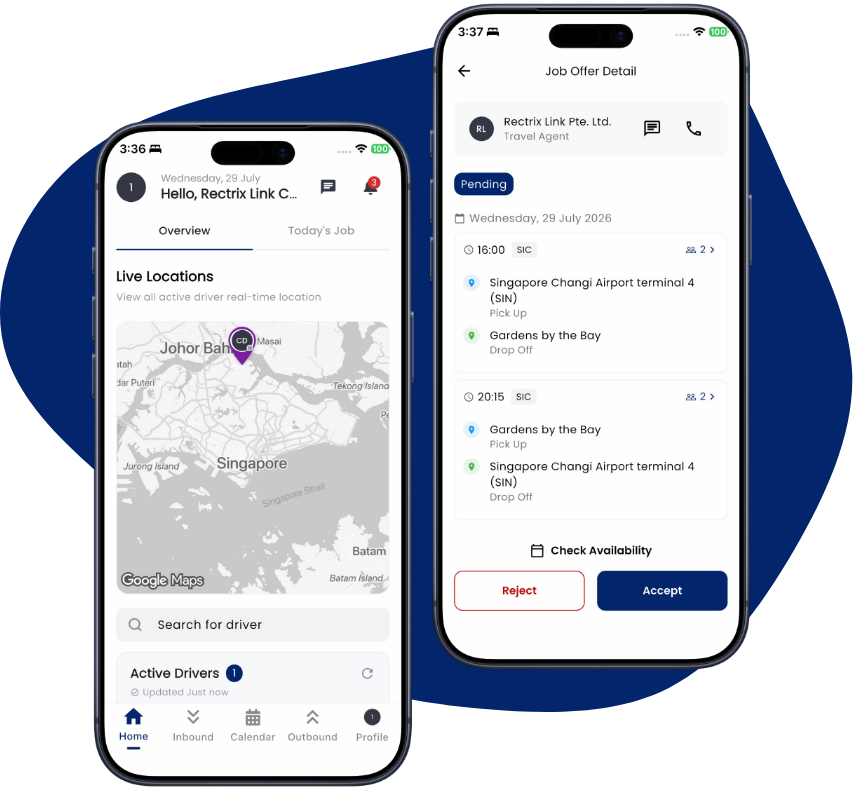
Take on transfers from travel agents, send anything you can’t cover out to the network as a priority job and manage every assignment from one dashboard.
Why partner with Rectrix Link
Never turn work away
Send any job you can’t cover out to the network as a priority job.
One dashboard
Manage drivers, assignments and trips from a single place.
Verified & trusted
Every account is reviewed and activated before it goes live on the network.
What you get
Everything you need to keep your fleet busy and your operation organised.
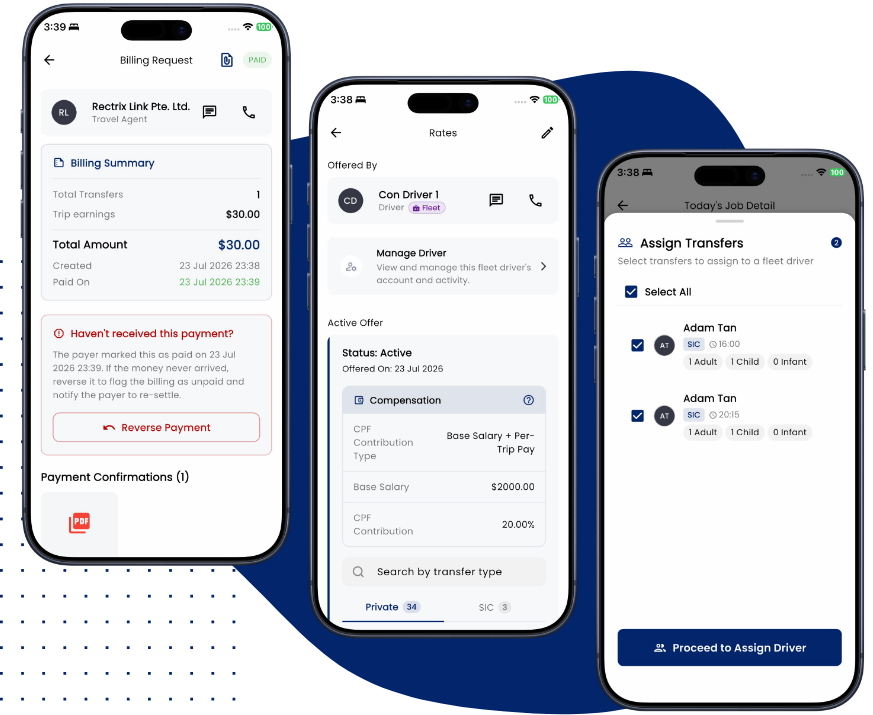
- Priority dispatch to hand overflow jobs to the network.
- A dashboard to coordinate drivers and trips.
- Real-time tracking and status updates.
- In-app chat with agencies.
Get set up in three steps
Register your business
Sign up and submit your business details for a quick verification review.
Add your drivers
Bring your drivers onto the platform and set them up to receive jobs.
Start running jobs
Take assignments from travel agents and dispatch anything you can’t cover to the network.
Common questions
How do my drivers receive jobs?
Your drivers use the Rectrix Link Driver app to receive, accept and complete jobs.
How are we verified?
Contractors sign up in the app and submit their business details. Once our team has reviewed and approved them, your account is activated and you can start receiving jobs.
Can I manage multiple drivers?
Yes — coordinate your drivers, assignments and trips from a single dashboard.
Bring your fleet on board
Connect your operation to the Rectrix Link network and start receiving jobs.