Drive more. Manage less.
Receive and accept jobs, navigate trips and keep everyone updated — all from the Rectrix Link Driver app.
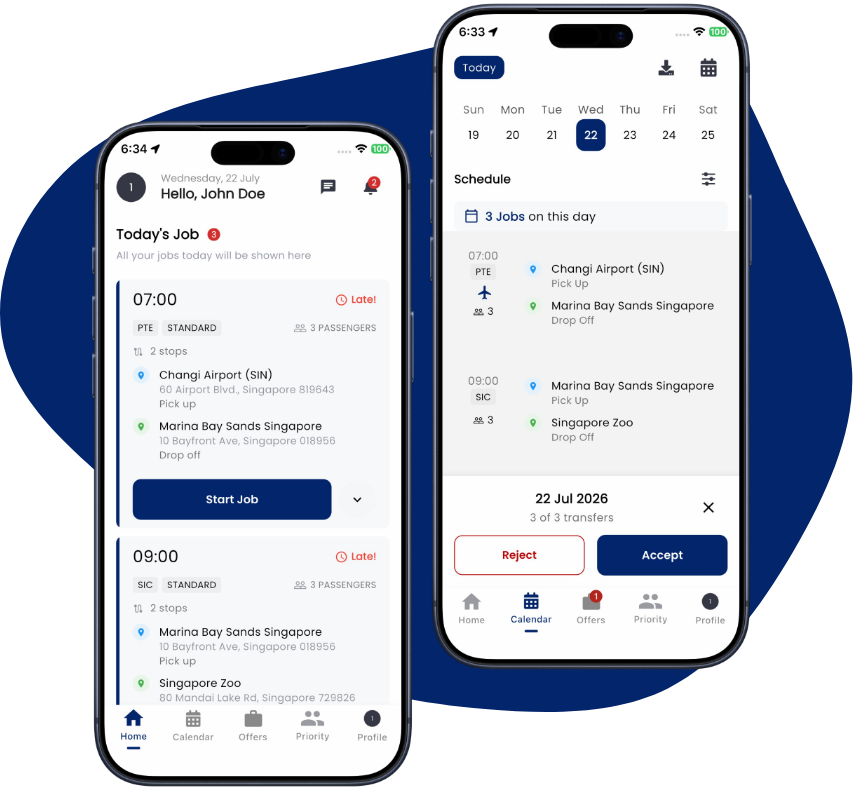
From ping to drop-off in three steps
Get matched
Receive priority jobs that fit your area and schedule, and accept with a tap.
Drive the trip
Navigate with turn-by-turn directions while your location syncs automatically.
Confirm & go
Confirm pickups and completions in the app and move on to the next job.
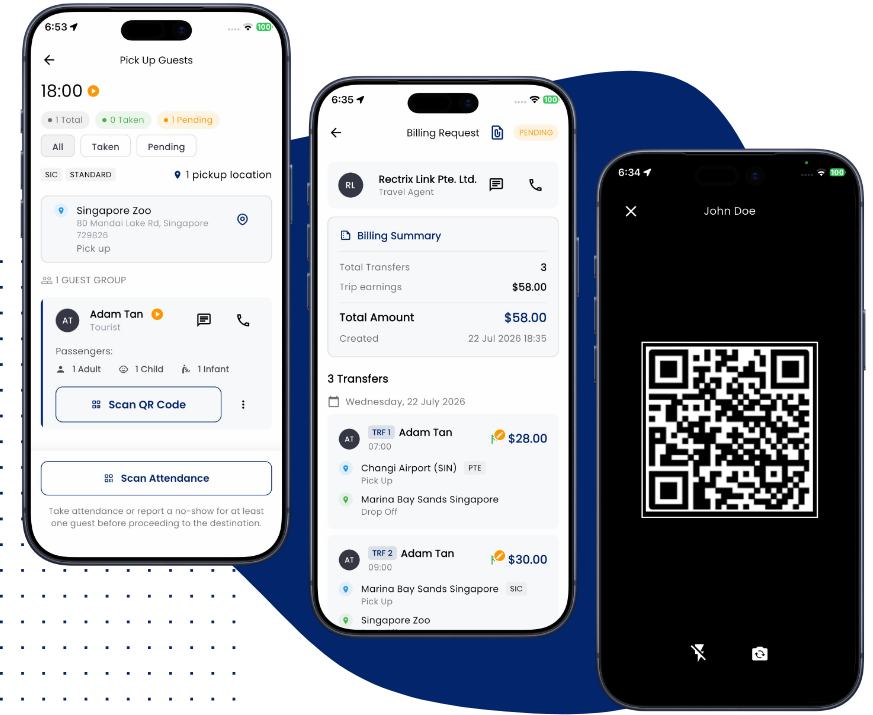
Jobs that fit your day
Tap into the network and pick up the transfers that work for you, when they work for you.
- Accept priority jobs in seconds.
- See passengers, locations and timings up front.
- Get push alerts for new and updated jobs.
Everything in the Driver app
Built to keep you moving with less admin.
Priority jobs
Get pinged for available transfers and tap in to the ones that suit you.
Turn-by-turn trips
Navigate every trip and share your live location automatically.
Passenger details
See passengers, pickup points, locations and timings at a glance.
Confirm in a tap
Update pickups and completions instantly so everyone stays in sync.
In-app chat
Reach travellers, guides and agencies without swapping numbers.
Job alerts
Never miss a job with push notifications for new and updated transfers.
What you need to get started
What do I need to drive?
You must hold all licences, permits and insurance required by law to provide your services, and a supported iOS or Android device.
How do I sign up?
Download the Rectrix Link Driver app and register with your email — or continue with Google, Apple or Facebook. Your contractor or agency then activates your account so you can start receiving jobs.
How do I get paid for jobs?
Payment terms for trips are arranged through the travel agent or contractor you work with on the platform.
Start driving with Rectrix Link
Join the network and pick up jobs that fit your schedule.